Why Does Your Elementor Website Break After Every Update? Here’s the Real Fix
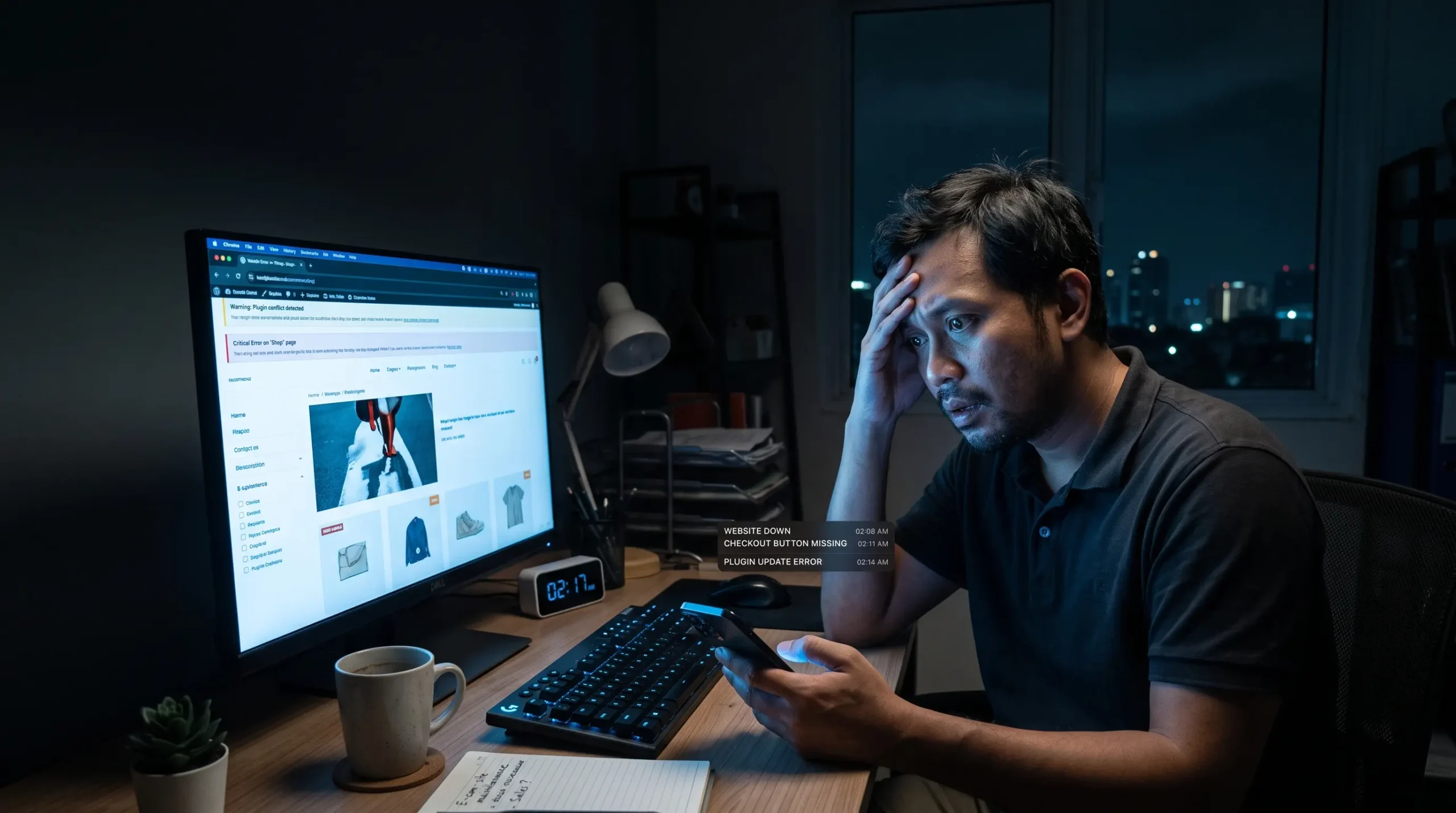
If you often wonder why your Elementor website break after every update, you’re not alone. Business owners dread getting a midnight notification that their website is down or checkout buttons have vanished right after updating plugins. More importantly, this constant breakdown doesn’t have to be your permanent reality.
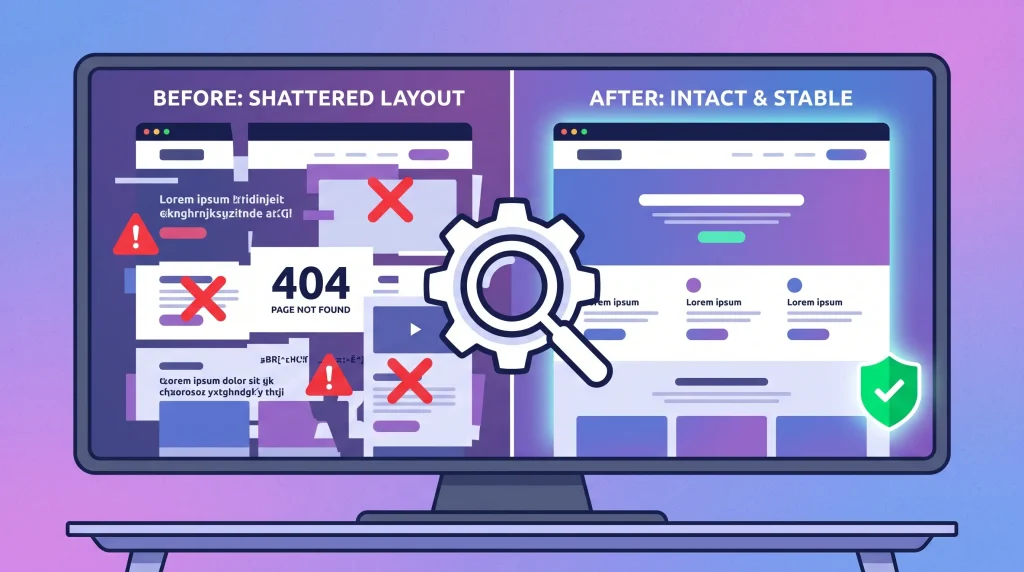
This is one of the most common WordPress stability complaints today, and it follows a strikingly consistent pattern. Thousands of reports across official WordPress forums, the Elementor GitHub tracker, and developer communities describe the same symptoms: sites auto-triggering safe mode,
fatal errors appearing the moment Elementor Pro updates, or widgets from addons like ACF Pro suddenly ceasing to function without warning. This isn’t bad luck it’s a structural consequence of how certain page builder architectures are designed.
Why Your Elementor Website Breaks After Every Update
Elementor itself, in its official troubleshooting documentation, acknowledges that third-party add-ons can “corrupt” other plugins and recommends removing them when fatal errors occur. The more addons stacked on top of Elementor which happens often, since “pure” Elementor rarely covers real business needs on its own the larger the surface area for conflict becomes.
Common Elementor Update Failure Patterns
- What makes this genuinely exhausting for business owners isn’t just seeing an Elementor website break repeatedly—it’s the lengthy recovery procedure. Disabling plugins one by one and clearing multi-layer caches takes hours away from running the actual business.
- WooCommerce updates leaving storefronts visually broken, with the Elementor editor only openable in safe mode.
- Addons left unmaintained by their developer for six months or more becoming the top source of fatal errors whenever WordPress or Elementor releases a new version.
- Version mismatches occurring simultaneously across WordPress core, Elementor, Elementor Pro, the theme, and addons a fragile chain of compatibility dependencies rather than a single party’s fault.
What makes this genuinely exhausting for business owners isn’t just the breakage it’s the recovery procedure. Official guides and community resources recommend the same lengthy manual process: disable every plugin one by one, regenerate CSS, clear cache across four layers (plugin, hosting, CDN, browser), check PHP version and memory limits, then retest on staging before pushing back to production. That’s technical work eating into time that should go toward running the business.
The Root Cause: Architecture, Not Just Bugs
This layered dependency explains why your Elementor website break so frequently after minor core or plugin updates. Every additional addon becomes a new point of failure that must stay in sync..
This layered dependency explains why the problem keeps recurring. Elementor’s own GitHub issue tracker logs “update breaks the site” as an acknowledged bug category tied to “compatibility problem with a 3rd-party plugin or theme” a structural risk built into this open-addon model, not a rare glitch.
By contrast, architectures built on WordPress’s native block editor (Gutenberg) foundation with lighter additional layers and minimal reliance on custom rendering tend to be far more resilient to update turbulence. The closer a builder stays to WordPress core standards, the smaller the surface area that can break when the surrounding ecosystem shifts.
The Hidden Cost of a Website That Keeps Breaking
Every time an Elementor website break, the real cost runs much higher than annual license fees, creating expensive downtime and emergency repair bills.
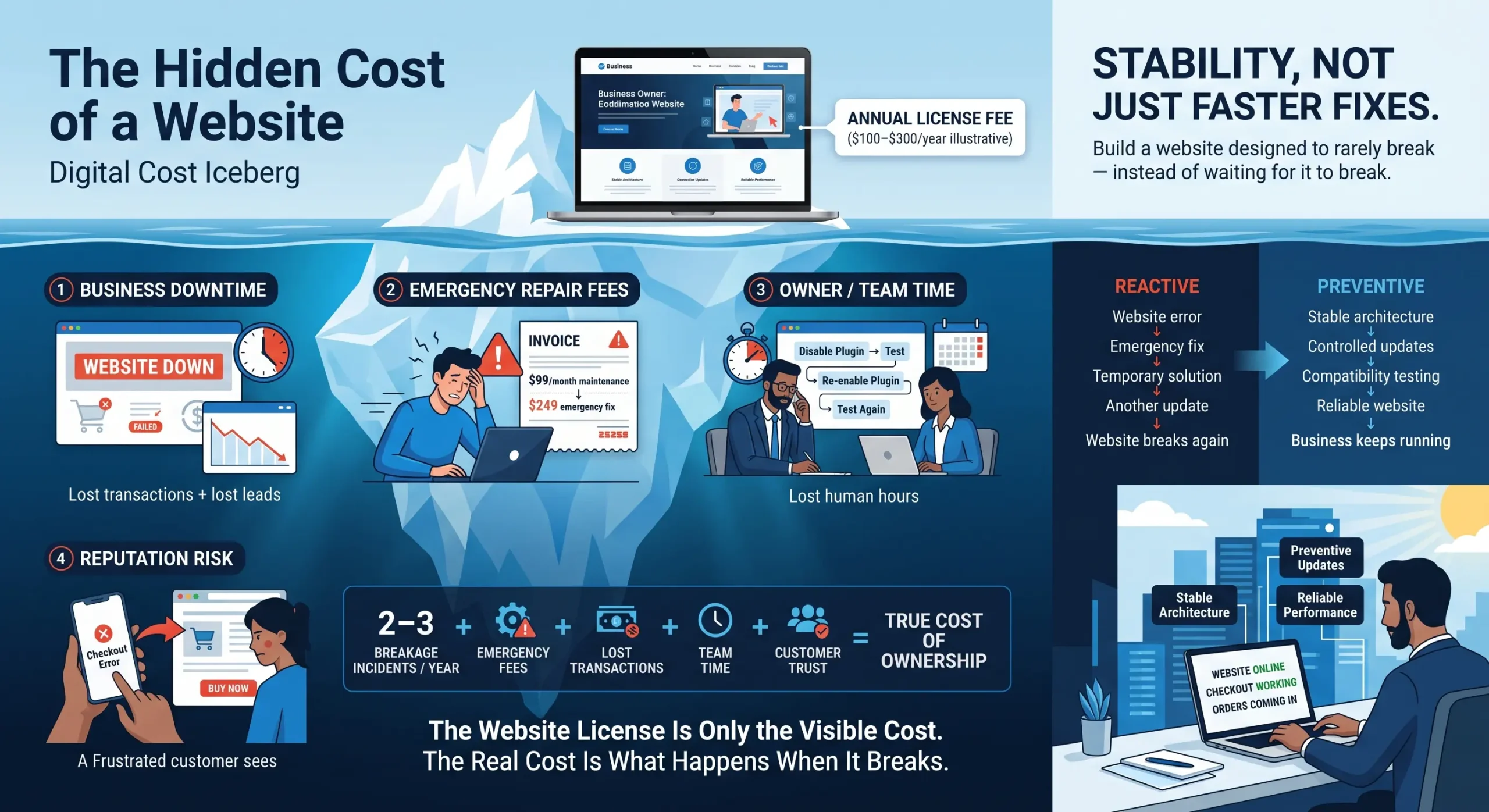
| Hidden Cost | What It Looks Like |
| Business downtime | Lost transactions and leads during every hour a store or landing page is down, especially at peak traffic |
| Emergency repair fees | Specialized Elementor support starts at $99/month for maintenance and can spike to $249 for a single emergency fix |
| Owner or team time | Hours per incident spent disabling/re-enabling plugins, testing on staging, and re-verifying |
| Reputation risk | Customers who hit a broken checkout rarely give a second chance they move to a competitor |
Add it up: two or three breakage incidents a year, plus emergency fees, plus consumed team time and this “invisible” total cost often exceeds the price difference between builder platforms.
Stability, Not Just Faster Fixes: What Business Owners Actually Need
Owners exhausted because their Elementor website break during every release cycle need architecture designed from the ground up to prevent conflicts natively..
Three Pillars of a Stable WordPress Architecture
Minimize dependency on non-essential third-party addons
Every extra plugin is a new potential point of failure. Choose a builder foundation that already covers core features natively header builder, page templates, WooCommerce styling without stacking five to eight separate addons from different vendors.
Prioritize compatibility with WordPress core standards
instead of a builder that constructs its own separate “world” outside Gutenberg. The closer to the native block editor, the lower the conflict risk when WordPress core advances to a new version.
Enforce a staging-first discipline for every update
instead of updating directly on the live server. Clone the site to staging, apply updates in the recommended order, test thoroughly, and only then push to production — the best practice for preventing conflicts
Questions to Ask Before Migrating or Rebuilding Your Website
Before switching architecture or rebuilding a website, ask yourself or your technical team:
- How many third-party plugins/addons are currently stacked on top of the main builder, and how many are truly essential to business operations?
- When was the last time an update was applied directly on the live server without staging tests first?
- Do last year’s breakage incidents follow the same pattern — for example, always right after an Elementor Pro or specific plugin update?
- What is the real total cost — time, lost transactions, emergency fees — from downtime over the past 12 months?
The answers usually become the strongest argument for investing in a more stable architecture, because the numbers speak for themselves far more convincingly than simply claiming “Builder A is better than Builder B.”